The problem
Hands full of soil, phone in a pocket
The garden had outgrown its spreadsheet. Which bed a plant was in, how big it had got, how it was coping in the heat and how much water it had had were all things noticed while working, and typed up later or not at all.
The first version of the app was a sun-and-shade grid with a growth model. It was archived. The rebuild started from the data instead, then made recording it as easy as saying it.
The app
Say it, check it, done
Step 1 of 4
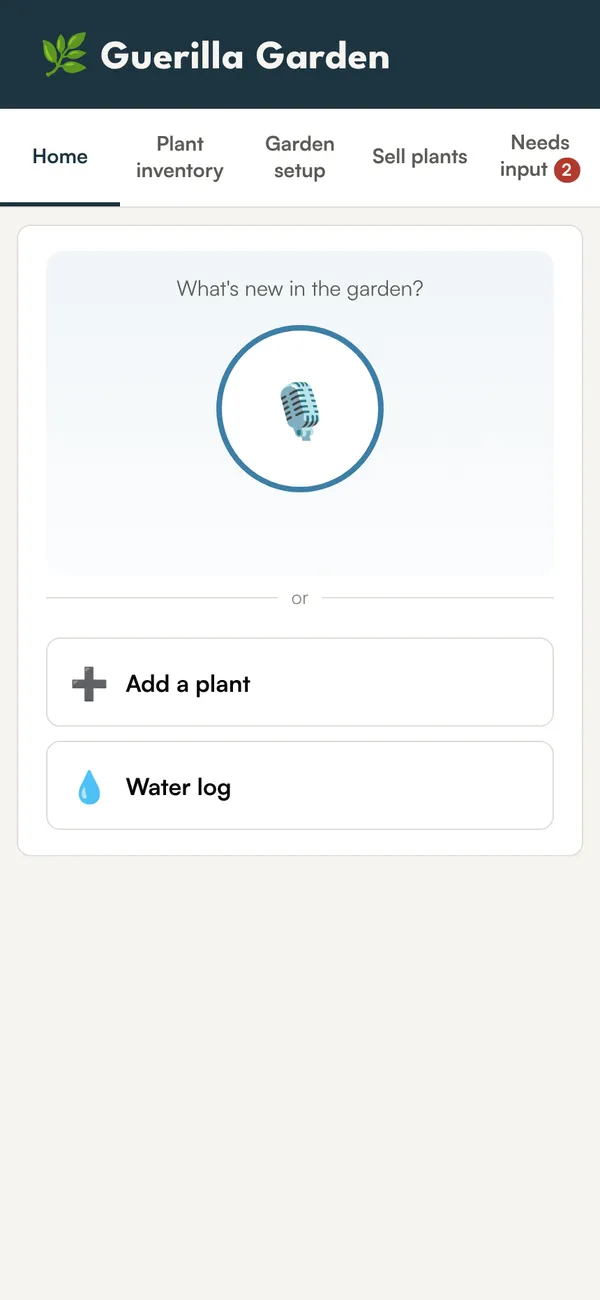
One button on the home screen
The home screen asks what is new in the garden and offers a microphone. Typing is there too, for the plant label read off a pot.
Step 2 of 4
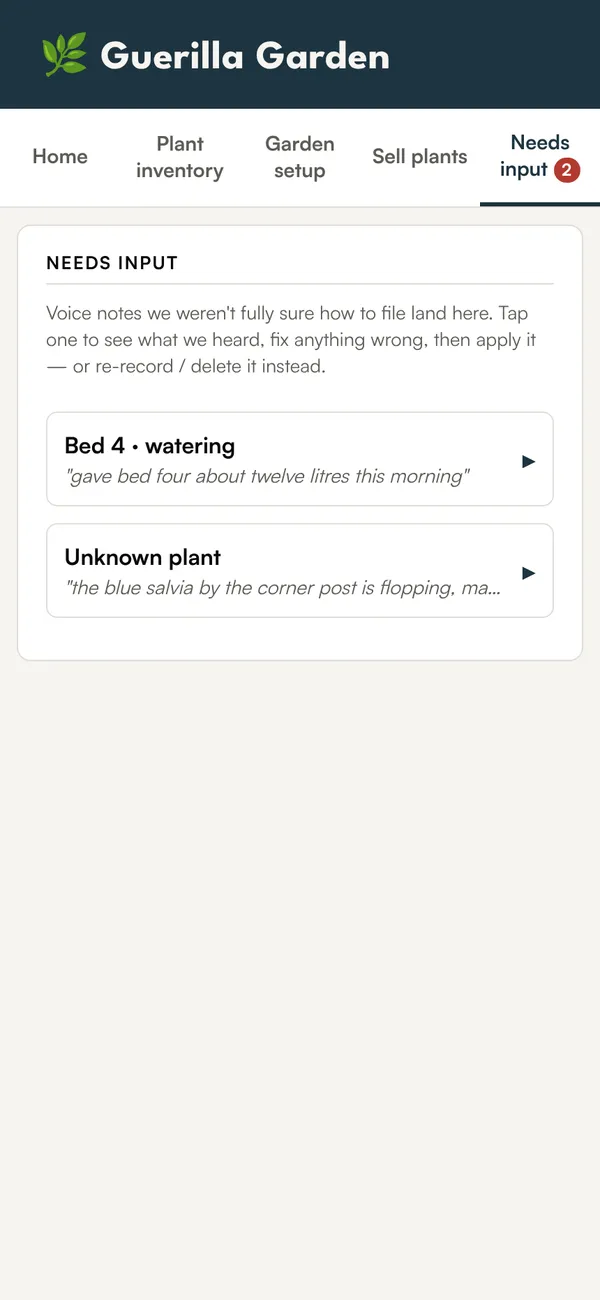
Unsure notes wait for a check
Claude sorts each note. Anything it is not sure about lands under Needs input with the original words, so it can be corrected and applied, or re-recorded.
Step 3 of 4
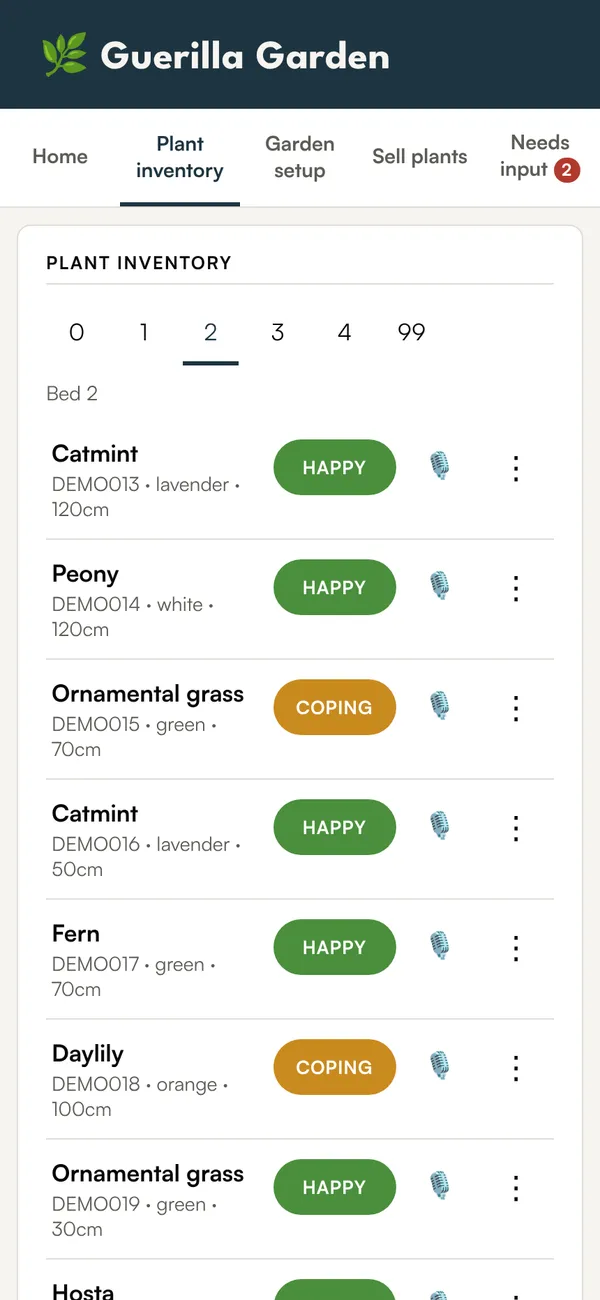
Every plant, bed by bed
The inventory groups plants by bed, with colour, size and how each is coping. Moving a plant is a tap.
Step 4 of 4
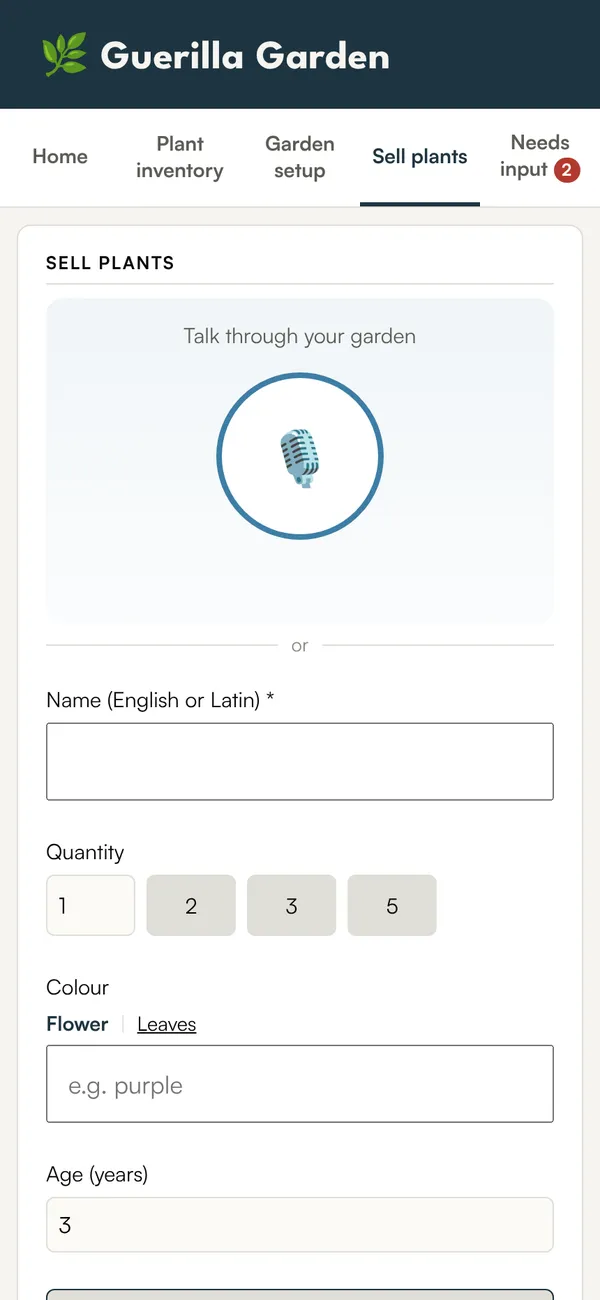
Plants to give away
Clumps big enough to divide go on a sell list by voice too, ready for the neighbours who want plants that already survive local conditions.
How a note is filed
Five kinds of note, and a pile for the unclear ones
Each transcript is classified with a confidence level. Clear notes are applied straight away. The rest wait for a person.
- “Two catmint from the market, lavender colour, about thirty centimetres, bed two.”→ New plant
- “Whole garden forty litres this evening, and bed three another ten this morning.”→ Watering, two entries
- “The salvia by the corner post is flopping, probably needs cutting back.”→ Note on an existing plant
- “The big miscanthus clump could be split, three pieces for the sale list.”→ Sale candidate
- “Note for the developer: the bed numbers are too small to tap.”→ Feedback for the app
- “That pink one near the tree looks thirsty.”→ Needs input
Where it goes
The build
Data first, features one at a time
- Step 1 Archive the prototype The sun-grid app went into an archive folder. Only its styles were kept.
- Step 2 Move the spreadsheet into Postgres 117 plants migrated into tables for plants, beds, species traits, a wishlist and a growth log.
- Step 3 Inventory and editing Add, move and annotate plants, grouped by bed, saved as soon as a field changes.
- Step 4 Voice notes Recording, transcription and classification, with the review queue for low-confidence notes.
- Step 5 Watering, sell list, photos, settings Thirteen database migrations after the first schema, roughly one per feature.
Decided against: logging water by WhatsApp message, which was too much setup for a single user when voice in the app does the same job; a transcription pipeline for bed measurements, which are entered by hand; and, for now, the sun-path overlay and a costs dashboard, both kept on the list for winter.
- App
- One HTML page, no framework, no build step
- Server
- Vercel functions, ten endpoints
- Database
- Neon Postgres
- Language
- Claude, called from the server so no key reaches the phone
The garden the app was built for is a case study of its own: MyBlumenInsel.